




At most ski areas, new tech investments start with a frustration: a cumbersome camera system, paper maintenance logs that leave gaps, unaccounted food waste, or incident reports that fall through the cracks. Ski areas often aren’t out to modernize for modernization’s sake—they are trying to solve specific problems.
In each case featured here, ski area operators identified a pain point, evaluated their options, and made a targeted investment that changed how work gets done—with measurable results. These case studies offer insights into what that process looked like, and what other resorts might take from it.
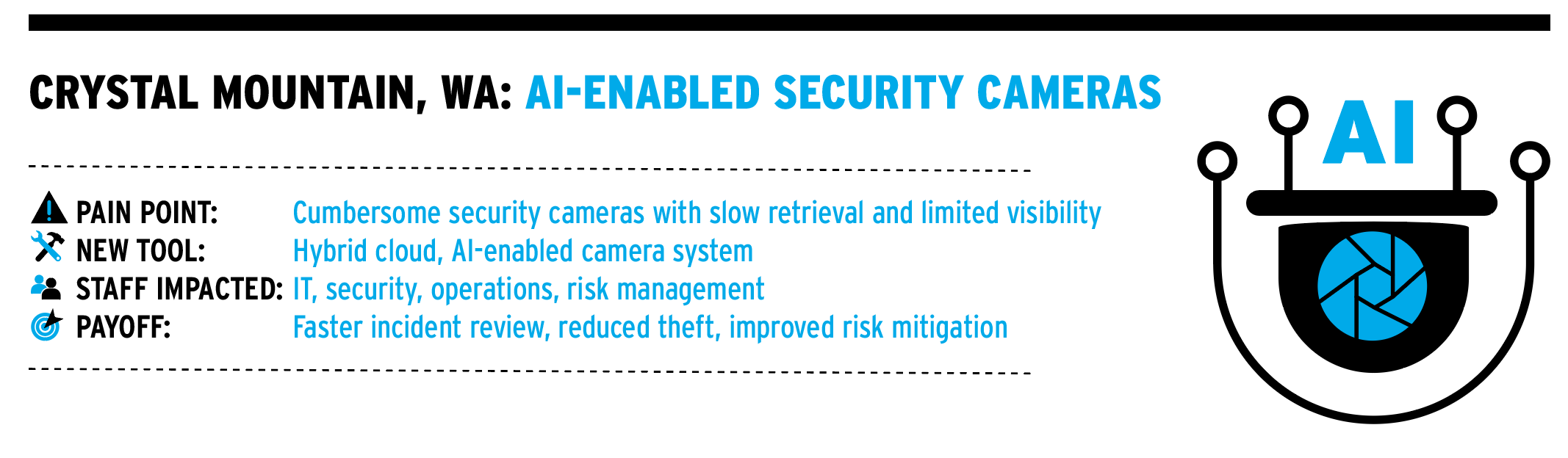
It was painful to pull footage from Crystal Mountain’s old security cameras when needed. “It would take two to three hours to find and extract ten minutes of video,” says IT director Perry Turner. “And you couldn’t easily view history on the camera.”
To address the issue, Washington’s Crystal Mountain replaced the cumbersome system with Verkada security cameras, which work on a hybrid cloud model, storing video locally on a device’s internal storage for 30, 60, or 120 days and using the cloud for management, remote access, and AI-powered analytics. The system eliminates the need for separate servers or network video recorders (NVRs) and allows video to be pulled in minutes. Crystal opted to standardize on the 30-day storage option, partially because of cost. After 30 days, clips can be pulled and saved to the cloud.
The system offers a host of features, some that Crystal has enabled only on certain cameras, such as one that counts people coming into a day lodge, so staff can gauge volume and be notified when a space is too crowded. A few cameras are also set up on lift lines to assess crowds, as well as some on the road into the main base area to count incoming cars, mostly during summer months. “If there are 1,000 cars coming in, but we only sold 600 scenic gondola tickets, we want to know, ‘where’s the miss?’” says Turner.
A few cameras scan the main plaza of the mountain between midnight and 4 a.m. and send alerts for motion. “It also detects animals,” says Turner, “which is a feature that we turned off.” Motion detection is set up on cameras in the server room, and Turner gets notified whenever somebody walks in.
Turner has found the AI tools to be among the best features. Among other things, they enable Crystal to identify somebody and track that person through all other occurrences that day at the resort. “It’s not ‘facial recognition’ because we can’t identify the person (by name), but let’s say someone orders drinks from a bar and takes off—it can highlight their face on camera, and if you’re quick enough, you can catch them,” he says.
The cameras have reduced theft in retail stores and public spaces, where the resort has been able to recover equipment stolen off racks. Security is assigned to watch the racks at certain times of the day, so they can act immediately. The technology has also been used for staff training at the resort, with lift managers able to monitor employees while on-the-job.
Because the cameras monitor Crystal’s lift loading and, in some cases, offloading areas, the resort has also been able to mitigate potential lawsuits. For example, when a teen goofing around misloaded a chairlift, it was easy to pull up footage and show parents what happened, Turner says.
In seven years, the resort has gone from six security cameras to 120, first concentrating on ski racks, then moving to other populated spaces. The cameras are PoE-based (power over ethernet) and get power over the network connection through a single ethernet cable, which eliminates the need for separate power cords and simplifies installation where outlets aren’t available. Roll out and adoption was easy, Turner says. “You plug them in, they boot up, and you’re online.”
What changed
- Video retrieval time dropped from hours to minutes.
- Cameras now support theft recovery and staff training.
- Lift loading and public areas are monitored to reduce liability.
- Crowd and vehicle counting added new operational insights.
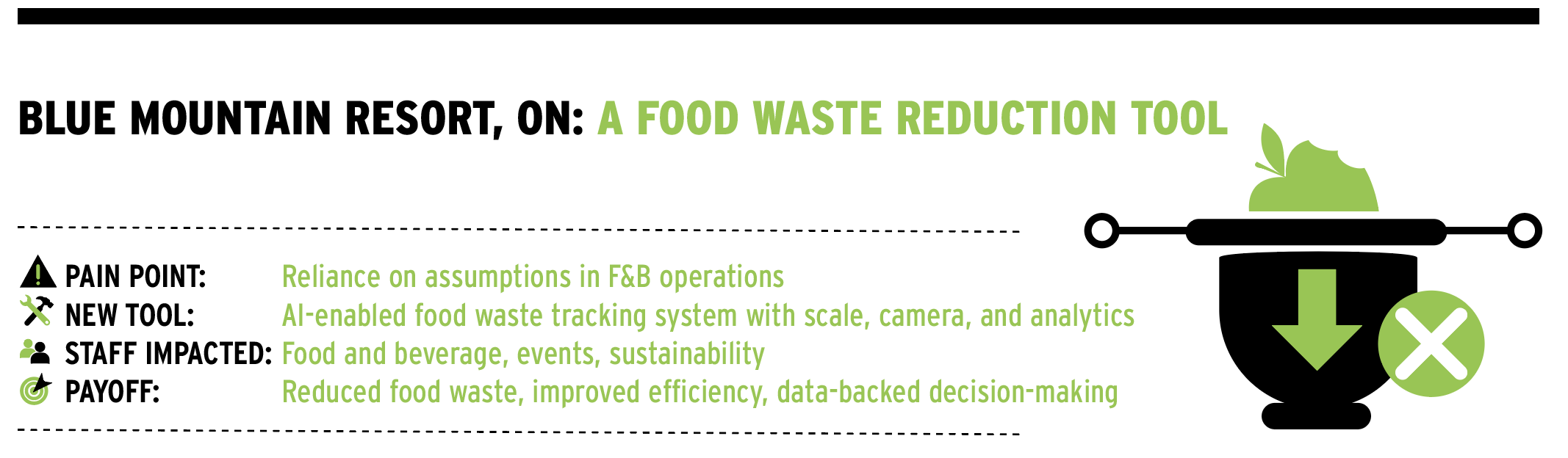
To move past assumptions and get a more data-driven picture of its busy food and beverage operation, Ontario’s Blue Mountain implemented Kitro, an AI-enabled waste-reduction system designed to measure and analyze food waste in commercial kitchens. The tool has helped the resort reduce food waste, further sustainability goals, and increase operational efficiency.
Kitro combines a smart scale, camera, and cloud-based analytics. When food waste—either plate or prep—is discarded into a compost or waste bin placed on the Kitro scale beneath a mounted camera, the system automatically records the weight, captures an image, and timestamps the event. AI then analyzes the photo to identify what type of food is being discarded, how much of it there is, and whether it’s edible or inedible. The system can distinguish, for example, between a half-eaten cheeseburger and a pile of eggshells. The edible food waste data provides the most valuable insights, says Blue Mountain sustainability analyst Tori Rooney.
Kitro’s hardware is installed directly in a kitchen and connected to Wi-Fi. Once live, the system largely runs itself. A staff member enters daily guest counts, which allows the resort to track waste per guest, says Tiffany McPhatter, director of food and beverage services. Kitro staff meet with the resort team every few months to review data, highlight trends, and suggest targeted actions. The system is also moved seasonally to match volume: during peak winter operations, it’s installed in the shared kitchen for The Pottery and Jozo’s, two of the resort’s busiest restaurants; in spring and summer, it’s relocated to the conference-center kitchen, where high-volume events are handled.
Kitro provides both high-level and granular data, including total food waste by weight, edible versus inedible waste, waste by food category (protein, starch, vegetables, desserts), waste per guest, waste by time of day or service, and trend analysis over time. All data is processed in the cloud and displayed through an online dashboard. “We can filter data, depending on what we are trying to understand,” says McPhatter. For example, focusing only on plate waste or isolating a particular menu item. “In restaurants, we are often looking at portion sizes and plate waste, while in conference settings, we focus on overproduction and guest consumption patterns,” she adds. “Our goal is to identify practical changes we can implement in a busy resort environment.”
Some wins: At breakfast, toast portions were reduced from two slices to one, cutting waste and improving efficiency. At Jozo’s, analysis revealed consistent French fry waste, prompting a switch to a slightly smaller serving vessel. “Guests didn’t notice the change, but waste decreased meaningfully,” says Rooney.
Blue is also seeing a return in lower food purchasing costs, improved portion control, and more efficient kitchen operations, Rooney adds. “There are also broader benefits, including reduced environmental impact, better alignment with sustainability goals, data-backed decision-making rather than assumptions, and increased staff awareness around waste.
“It has shifted our approach from reactive to proactive,” says Rooney. “Instead of guessing where waste is happening, we are able to see it clearly, test solutions, and validate whether those changes actually work.”
What changed
- Waste per guest is measured and monitored over time.
- Portion sizes were adjusted based on real waste data.
- Staff awareness around food waste increased.
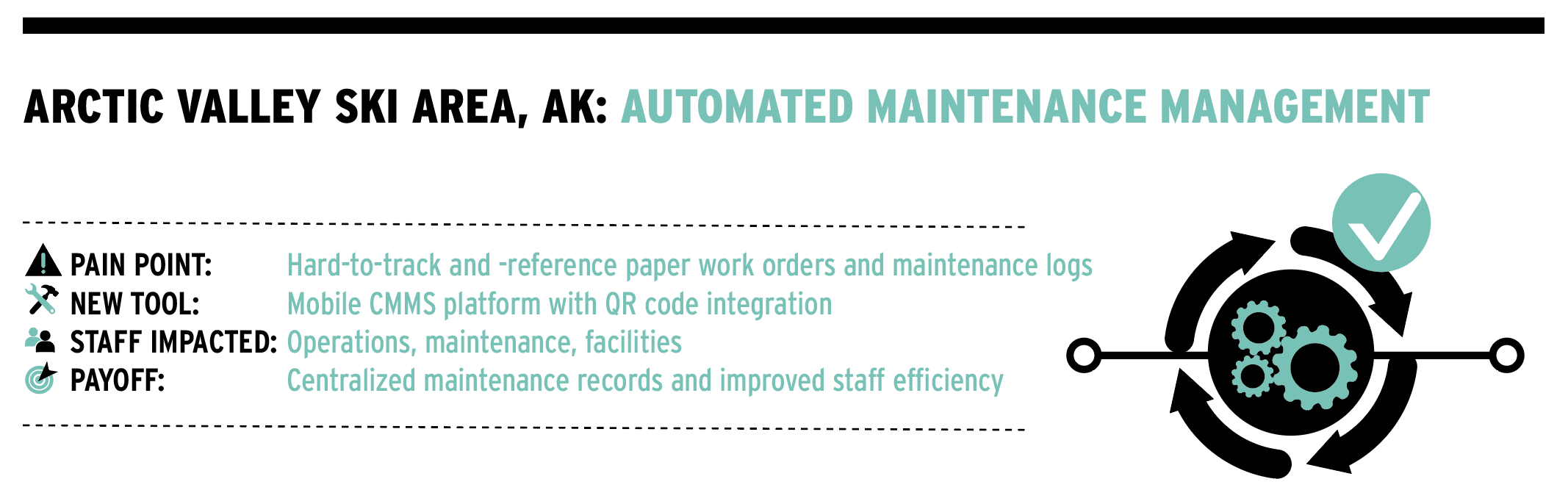
Alaska’s Arctic Valley was looking for a better system to track maintenance on the spring boxes of its main T-bar. Paper work orders and maintenance logs made it difficult to see when the equipment had last been serviced or rebuilt. To streamline the process, the ski area started using Limble, an AI-based mobile CMMS (computerized maintenance management system) app created specifically for maintenance professionals.
The platform stores essential data such as maintenance records, operating manuals, and vendor and inventory information. It requires some human effort up front to build out the system, but now, if something goes wrong on a spring box, for example, work orders, maintenance logs, and steps for rebuilding and servicing are all in one handy place, says GM John Robinson-Wilson.
The system is used by the ski area’s two full-time mechanics, mountain manager, facilities maintenance manager, and Robinson-Wilson. Staff communicate in real time through the app using refurbished iPhones purchased specifically for the job and carried in harnesses. Managers assign and monitor detailed work orders, and staff update progress as they go, reducing miscommunication and improving efficiency.
Limble can generate QR codes linked to individual assets, and Arctic Valley has created customized codes for each of its snowcats. When scanned, the code opens a work order specific to that machine. Non-registered staff can also submit maintenance requests by scanning a QR code with their own device.
The system can be built out to track parts inventory as well. Arctic Valley has entered parts for two older Riblet double chairs into the platform, allowing staff to link directly to the Doppelmayr website to place orders and track what’s already in stock. “That will be helpful before we start a rebuild,” Robinson-Wilson says.
“The number one thing I appreciate about it,” he adds, “is that we now have one central place for all serial numbers, model numbers, warranties, and web links to parts books. I spent stupid amounts of time having to look that stuff up before.”
Facility maintenance has also been brought into the system, including upkeep for several public-use cabins. Tasks such as checking restrooms and propane tanks are programmed as recurring events, triggering automated reminders twice a week. Staff have been happy to have a list of priorities, says Robinson-Wilson. “They can be a little more self-directed—and a manager doesn’t have to remember the ‘three things for you to do today.’”
While the ski area has only scratched the surface of what the system can do, Robinson-Wilson sees long-term value in continuing to build it out. “We’re still transitioning in some ways,” he says. “But I look forward to having it fully rolled out by next summer, so we can say, ‘Anytime you’re touching anything, it’s a work order in Limble.’”
What changed
- QR codes link assets directly to digital work orders.
- Maintenance history and manuals are centralized in one system.
- Recurring facility tasks are automatically scheduled, and reminders sent.
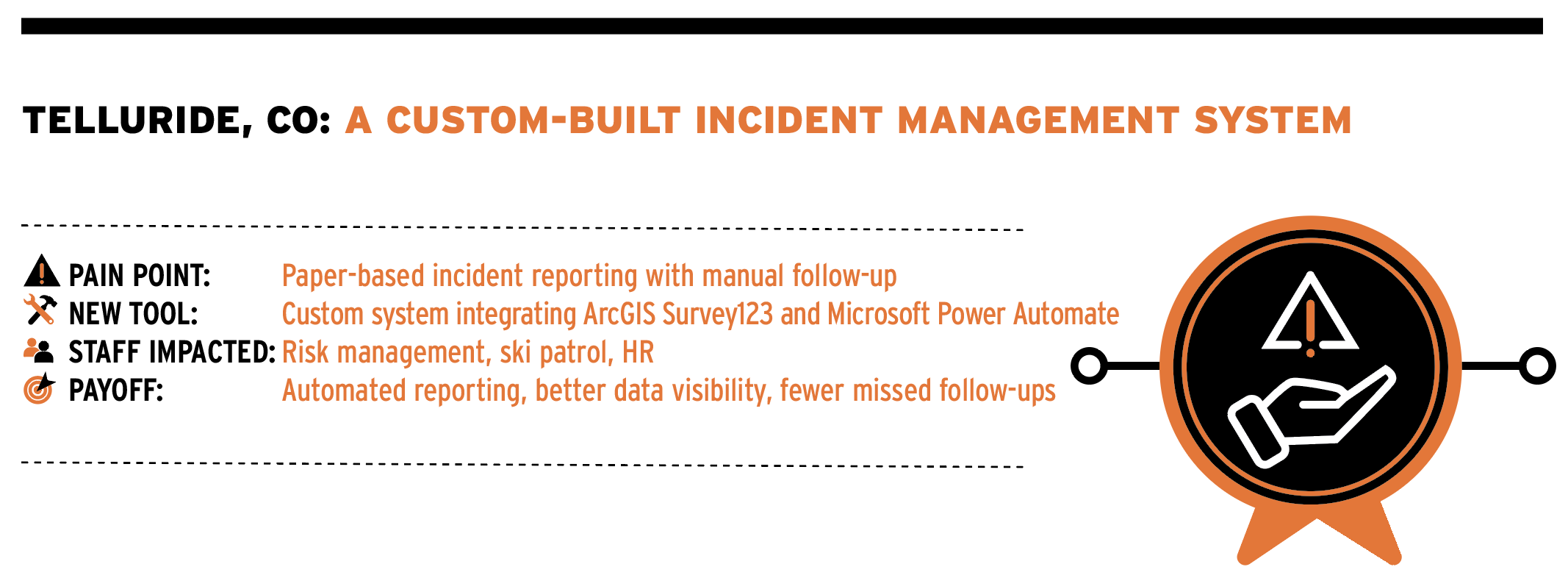
At Telluride Ski & Golf in Colorado, incident reporting was a patchwork of paper forms, emails, and disconnected digital tools. By integrating ArcGIS’s Survey123 and Dashboard programs with Microsoft Power Automate, “We went from using multiple manual and digital processes to one system,” says risk management director Matt Thomas. “It has allowed us to automate and digitalize the entire incident management process.”
The snowmaking department had already been using ArcGIS for mapping when Thomas joined the resort six years ago. He was introduced to ArcGIS Survey123, a form-centric data-gathering tool used to collect and analyze information—similar to Google or Microsoft Forms, but more robust, he says. Looking to move away from paper, Thomas began using Survey123 to collect employee injury reports. While it worked well for gathering information, managing the workflow around workers’ compensation claims remained manual.
Enter Power Automate, a cloud-based service that creates automated workflows between apps and services. It connects Microsoft tools such as Outlook, Teams, and SharePoint with third-party applications to automate tasks like data entry, file synchronization, and notifications. Power Automate and ArcGIS can be integrated so that when a survey is submitted in Survey123, a workflow—or “flow”—is triggered in Power Automate.
At Telluride, the flow works like this: Survey123 collects an initial injury report and subsequent claim updates. That information feeds into Dashboard, which provides a visual, on-screen view of key metrics such as the number of incidents, days-away calculations, and days transferred or restricted. Power Automate then sends emails and texts to risk management, the injured employee, and the designated provider, automatically adds incidents to the OSHA 300 log, and emails an updated version of the log to risk management every seven days.
Employees can access the form via QR codes posted around the resort. When a report is submitted, the system automatically emails the employee with details about next steps and alerts Thomas, who can determine how to proceed from the employer’s standpoint.
Automating the process has changed reporting behavior. “It used to be that we’d only get a paper report if they were injured and going to a doctor,” says Thomas. “Now we get more reports of near misses.” That increase in data has supported broader workplace safety efforts, allowing the resort to identify and mitigate hazards before they lead to repeat incidents. “We’re able to quantify more slips, trips, and falls, and can better stay on top of hazards,” he adds.
The system has been rolled out to patrol as well. Patrollers use Dashboard in lieu of a QR code to create and manage an incident report, which is collected through Survey123. Power Automate then generates follow-up emails to pertinent departments, be it the ticket office for a waiver, lift ops, the rental shop, ski school, or risk management. All information is stored in a single database.
The automated response system has saved significant time, says Thomas. “Rather than me trying to notify each department that something happened related to their department, it’s automatic, so we can do data collection quickly, and there are less things falling through the cracks.”
Telluride has also adapted the same tools to manage camp registration, internal text messaging, lost guest location, and waivers. Building custom systems required time and internal expertise, but the payoff has been flexibility and scale.
“In my experience, moving to digital platforms, you end up with four, five, six different vendors, and it gets expensive, so resorts hold back and stay with paper,” Thomas says. “It’s not about convincing resorts to go digital, it’s about helping them take the first step.”
What changed
- Incident reports are digitalized and centralized.
- Automated notifications replaced manual follow-up.
- Near-miss reporting has increased safety awareness.
- OSHA logs and dashboards are updated automatically.
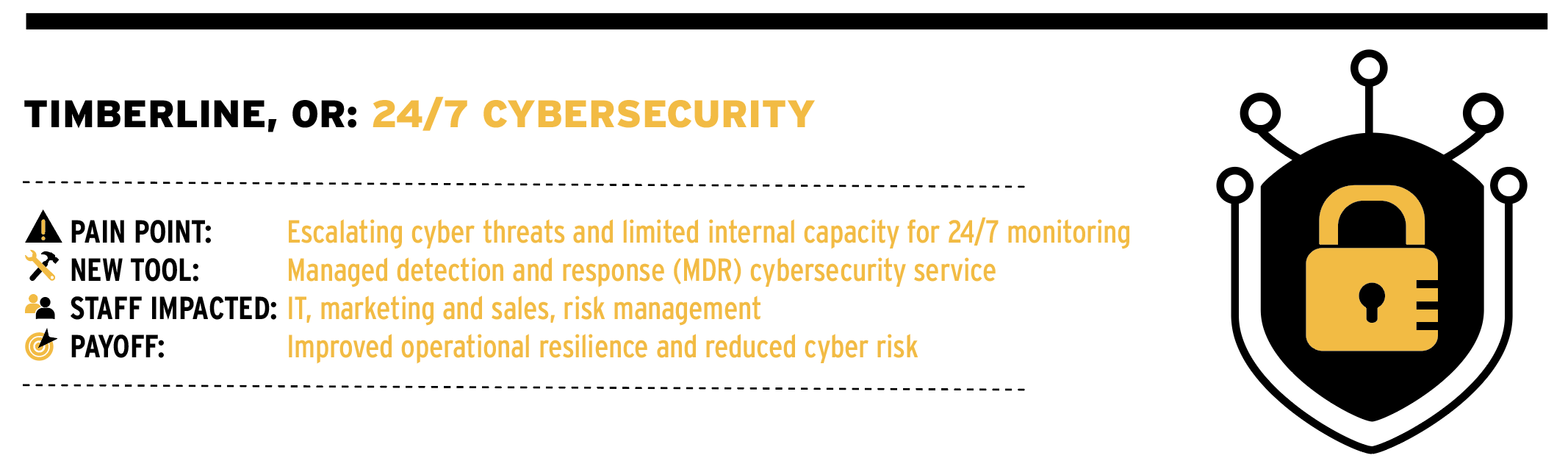
For Timberline Lodge, Ore., the growing volume and sophistication of cyber threats made security less of an IT concern and more of an operational one. “The rapid escalation of cybercrime made advanced threat detection a business imperative rather than a ‘nice to have,’” says director of marketing John Burton. “Like most organizations, we were seeing constant network intrusion attempts, often numbering in the thousands each day.”
In 2020, the resort implemented managed detection and response (MDR) cybersecurity software as part of a proactive approach to protecting its systems. MDR combines continuous, automated threat detection with expert human analysis, providing 24/7 monitoring and rapid incident response.
A cost analysis of the internal resources required to manage this level of risk clearly favored a third-party MDR solution, says Burton. The investment required specialized staff expertise, 24/7 monitoring, and ongoing hardware and software investments. Using an outside provider allowed internal teams to focus on other competencies.
Timberline doesn’t publicly disclose its security vendors, but Burton says the resort “leverages a best-in-class MDR solution.” While many MDR platforms have similar core capabilities, there can be meaningful differences in response automation, threat intelligence, and how services are operationalized, he says. “Having a trusted partner with deep expertise, clear escalation paths, and strong accountability makes a real difference in day-to-day security outcomes. Our focus has been on outcomes including strong visibility, rapid response, and continuous improvement.”
Implementation was led internally by the resort’s IT department, with direct support from the MDR provider. The Timberline team oversaw requirements, integration, and alignment with resort operations and security protocols, while the MDR partner provided specialized expertise. “This hybrid approach allowed us to retain internal ownership without needing a large in-house security staff—a practical and scalable model for many resorts,” says Burton.
What stands out most, Burton says, is the system’s ability to operate continuously and autonomously. The platform detects, evaluates, prioritizes, and isolates threats in real time, triggering automated containment actions—such as isolating affected endpoints or quarantining suspicious files—and alerting Timberline’s IT team and managed service provider around the clock.
The human element remains critical. “Ongoing staff training is a critical part of our cybersecurity program,” says Burton. Timberline conducts regular awareness campaigns and simulated cyber scams to help employees recognize phishing, social engineering, and other common threats. These exercises allow the resort to measure awareness, identify gaps, and refine its training approach.
The impact of avoiding a breach is difficult to quantify, but the risk is clear. A significant cyber incident can disrupt e-commerce, email, credit card processing, point-of-sale systems, property management systems, and communications for weeks.
“Cyber incidents place enormous strain on employees, disrupt the guest experience, and depending on severity, can expose the organization to legal risk while causing long-term damage to brand trust,” Burton says. “From that perspective, MDR is not just an IT investment, but a critical component of operational resilience and business continuity.”
What changed
- Continuous, automated threat detection was implemented.
- Outside expertise mitigated the need for specialized in-house staff.
- Faster response and containment of potential threats.
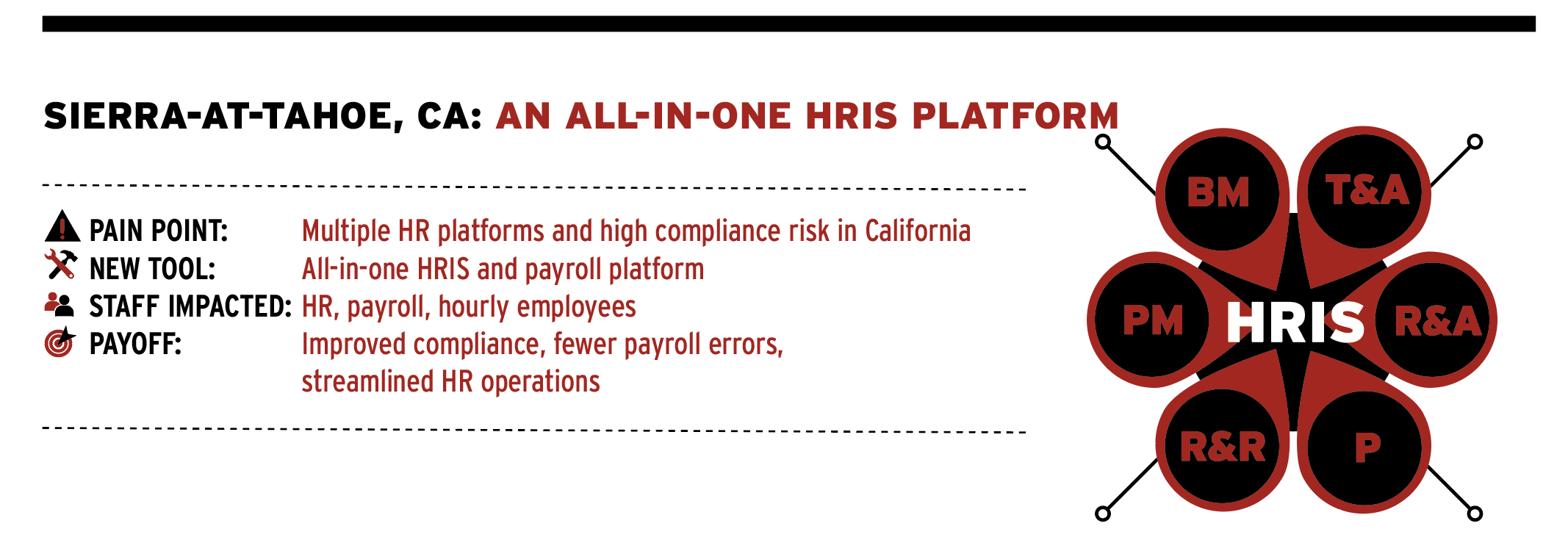
For Sierra-at-Tahoe, managing payroll, scheduling, training, and internal communications across multiple systems had become increasingly inefficient—and risky in California, where wage-and-hour rules are complex and PAGA (a state labor statute) lawsuits are common. A few years ago, Sierra began evaluating new HRIS (human resources information systems) and payroll systems. Staff spent several months reviewing vendors and speaking with other ski areas before narrowing their options.
Sierra wanted excellent compliance in an all-in-one platform. “Our previous system was fine but required us to have a separate platform for online training and scheduling,” says HR director Melinda Stearns. “We also wanted one that would help with legal exposure.”
Paycom emerged as the best fit. “Even our complicated ski school scheduling, time and attendance, and payroll works well,” says Stearns. “Some of the big PAGA concerns like paid lunch awards (meal penalties) are all automatic. The employee has total control of their timecard (no supervisors can modify times, only managers) so it takes much of the pressure off if there were a wage-and-hour suit.”
Employees can access the system from more than a dozen tablet kiosks around the resort, from the mobile app, or from a computer. Sierra encourages kiosk use and stresses that employees are not required to use their personal phones, though the option is available. Geofencing limits where employees can clock in and out, and controls around timecard edits have improved accuracy. Stearns says the resort has seen a decrease in paycheck adjustments each pay period.
The platform includes pre-created training content as well as customized classes developed by the resort. Stearns says Sierra uses Paycom’s content for certain mandatory courses, such as annual workplace violence training, which employees can complete on their own time—“a nice option for some of those trainings that are required.” Likewise, background checks and onboarding paperwork are fully integrated, allowing new hires to complete required forms online on one platform, avoiding the need for three or four different apps.
Scheduling and employee communication have benefited, too, particularly in departments like ski school, where schedules are complex. Employees can swap shifts through the app, and internal communications can be set up by department. The resort uses push notifications and email to communicate with staff, sharing information ranging from weekly newsletters to road closures.
Stearns says the implementation process was relatively easy. Rollout took two to three months in all, and was done during the spring when fewer employees were in the system. For ski areas reluctant to switch to digital HR platforms or hesitant to let employees use their mobile devices for timekeeping, don’t be, says Stearns. “There are really good controls in place to prevent temptation for timecard theft.”
What changed
- Payroll, scheduling, training, and onboarding were unified.
- Timekeeping controls reduced paycheck adjustments.
- Employees gained self-service access via kiosks and app.